
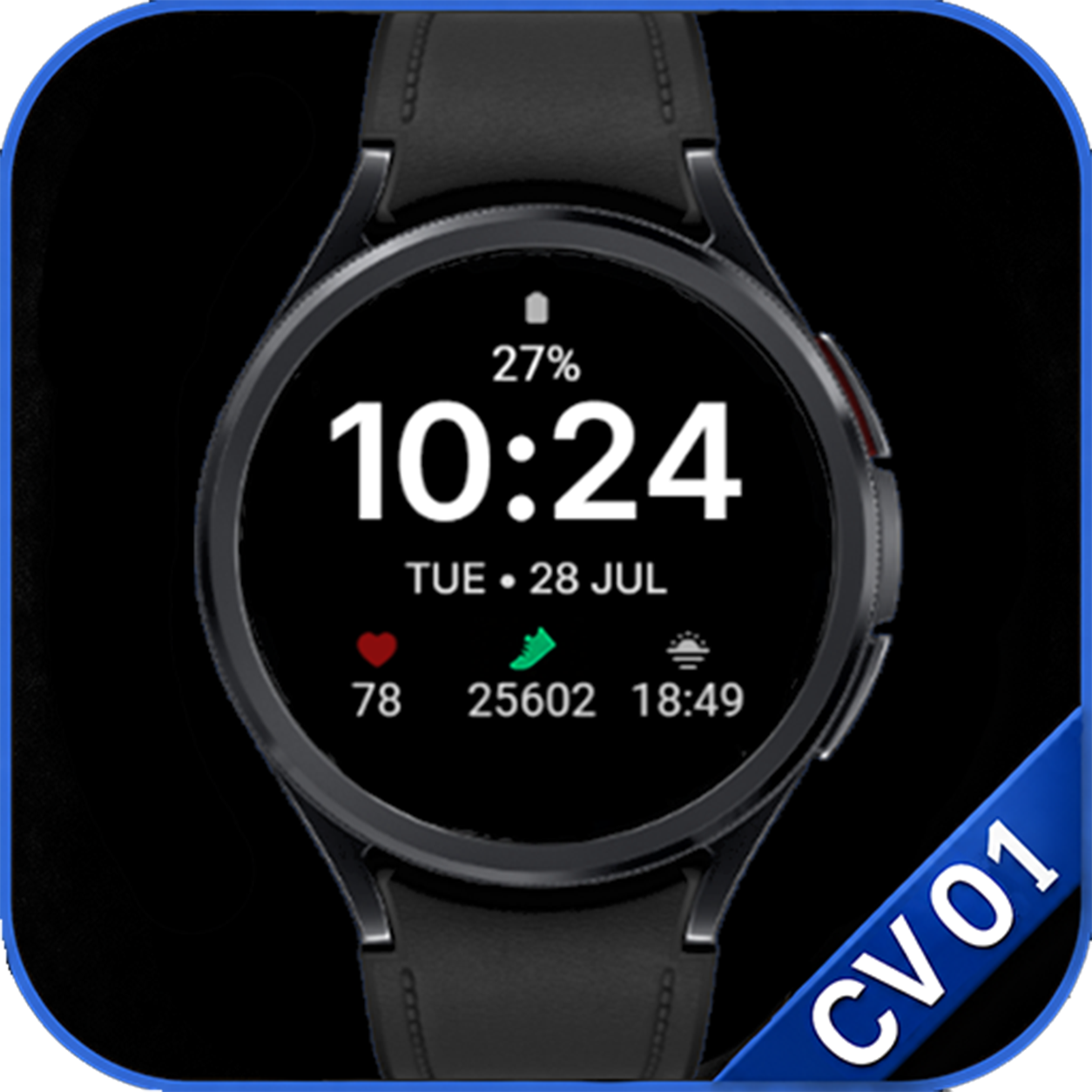
CV01 Essential
Large digital time with essential daily information and customizable complications.
- Large digital clock
- Date and weather
- Steps, heart rate and battery
- 3 editable complications
- Selectable color themes
- Minimal AOD
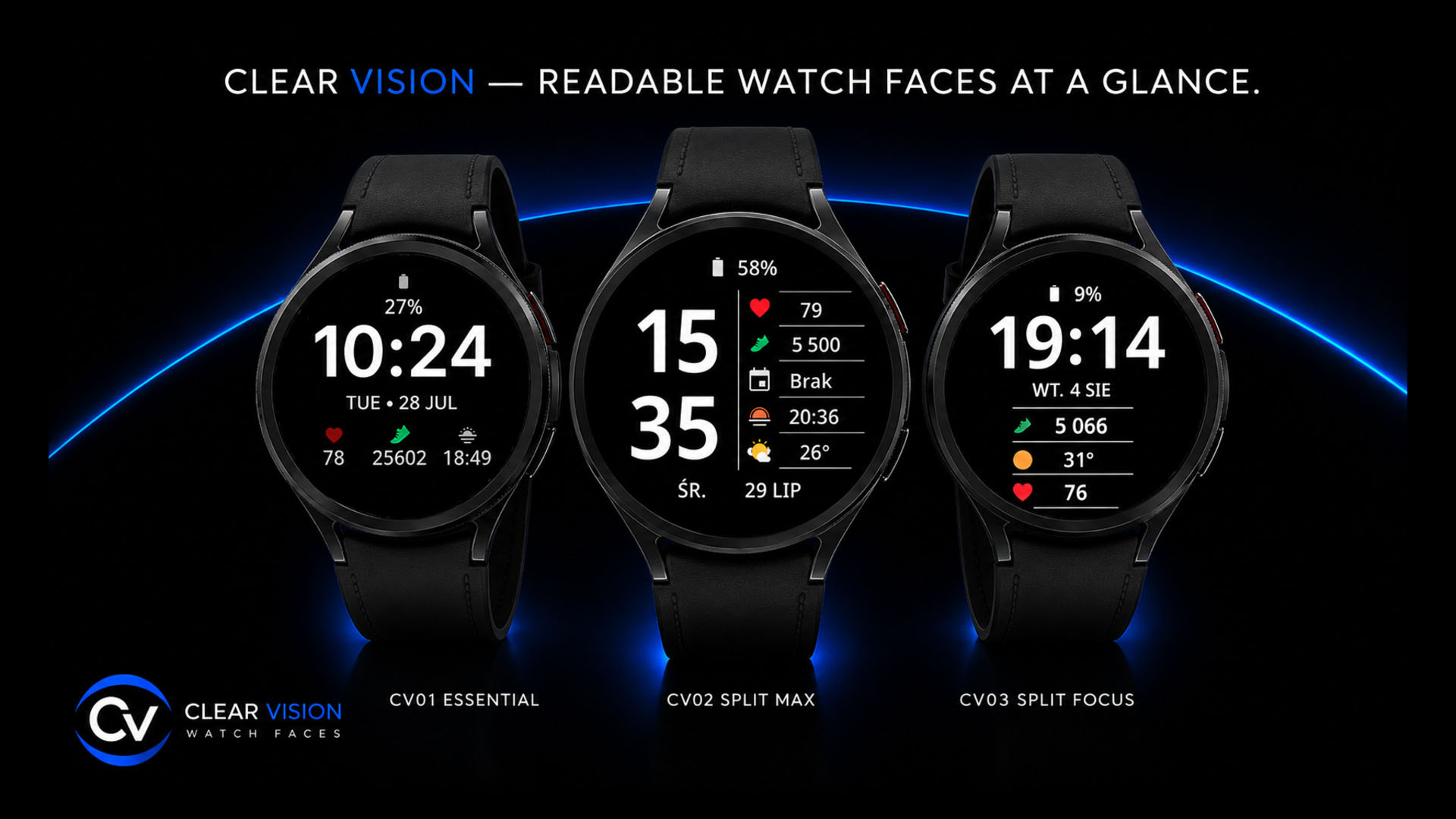
Special offer
CV06 Side and CV07 Glow — coming soon to Google Play. The offer will apply once each watch face launches.
Once available, buy CV06 Side or CV07 Glow on Google Play.
Choose one free watch face: CV02 Split Max, CV03 Split Focus or CV05 Edge.
Email your Google Play proof of purchase and chosen watch face name to arturteam1@gmail.com.
After verification, you will receive a Google Play promo code for your chosen watch face. Redeem it on Google Play.
How to redeem your code — step by step →
One qualifying CV06 or CV07 Glow purchase = one code = one selected watch face. Choose only from CV02, CV03 or CV05; you do not receive all three. Codes are limited and available while supplies last.
Claim your free watch face by emailYour email app will open with a prefilled subject and message. Fill in the fields and attach your proof of purchase before sending.
Watch face collection
A growing collection of practical Wear OS watch faces built around readability, clean layouts and useful information.
Large digital time with essential daily information and customizable complications.
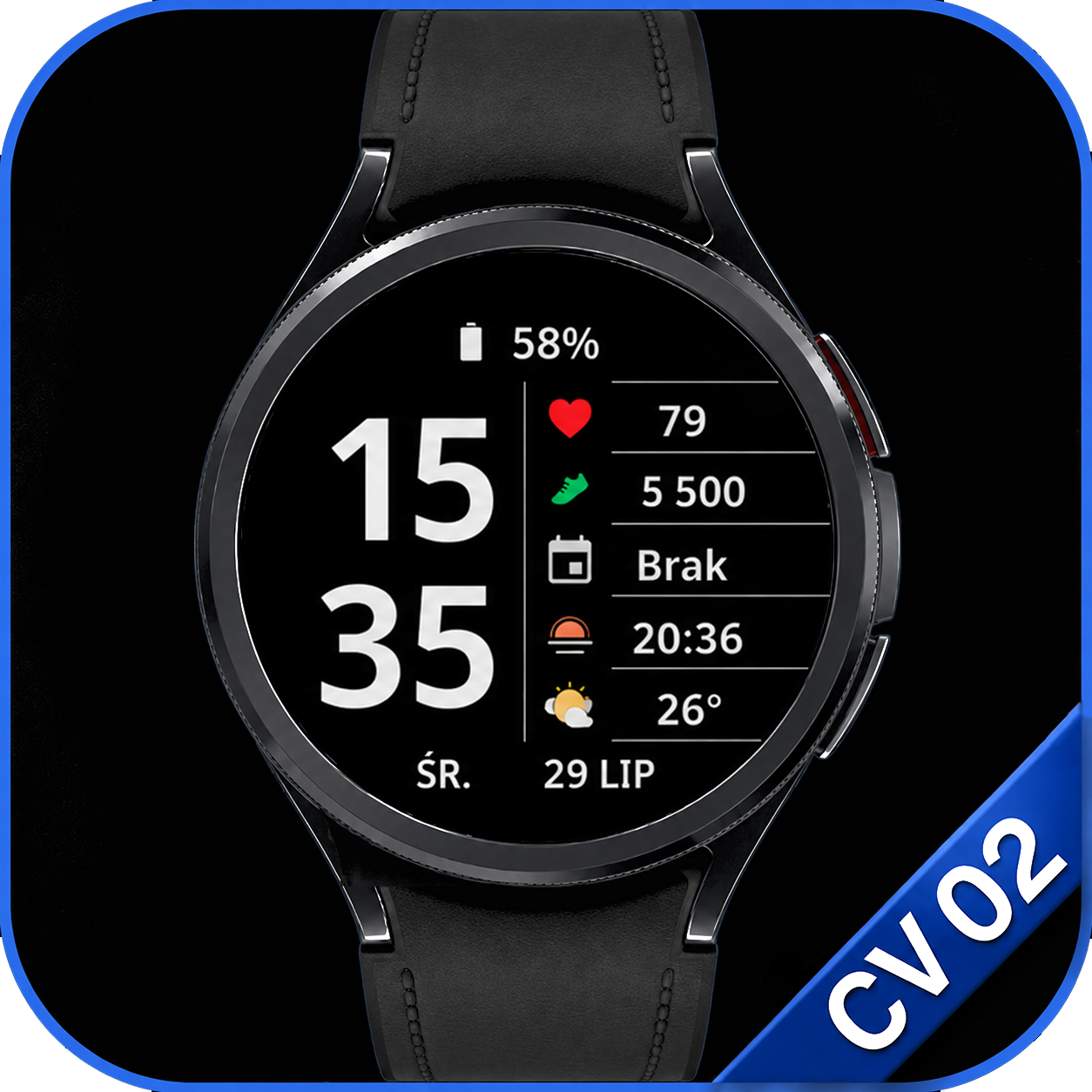
An extra-large clock paired with five clear information fields, four of them editable, in a distinctive split layout.
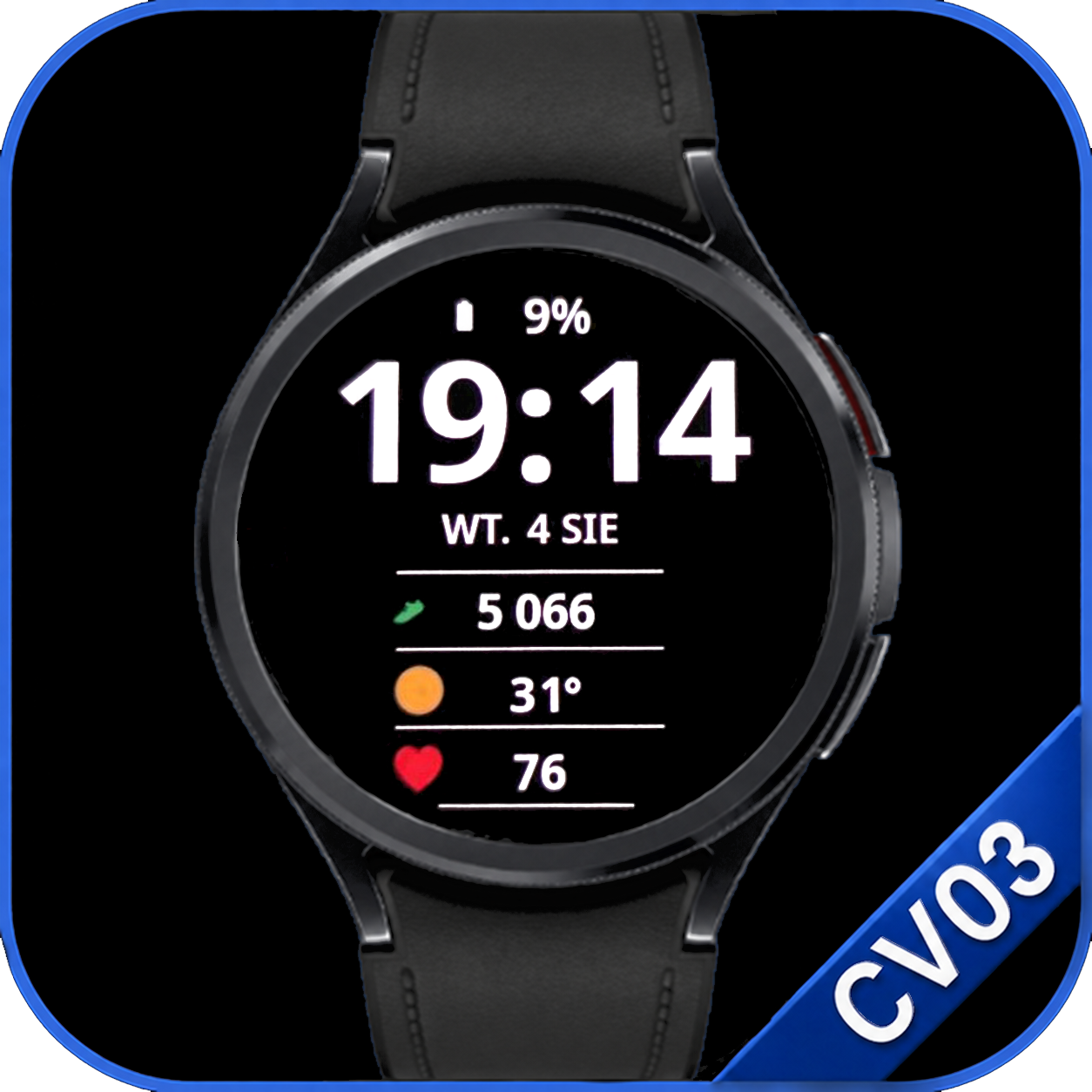
A focused layout with a dominant digital clock and three large customizable complications.
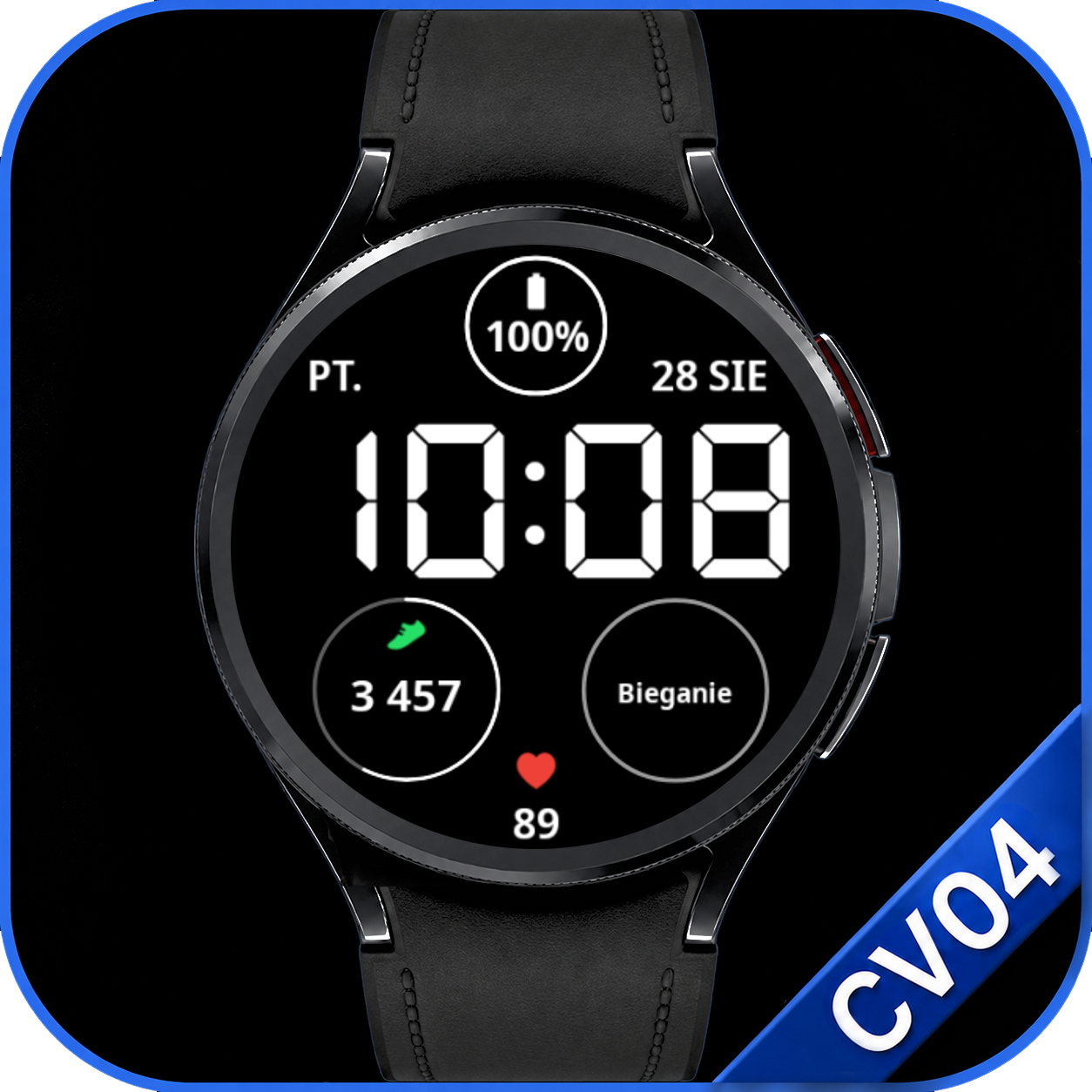
A digital layout with a large clock, clear circular indicators and one complication you can personalize.
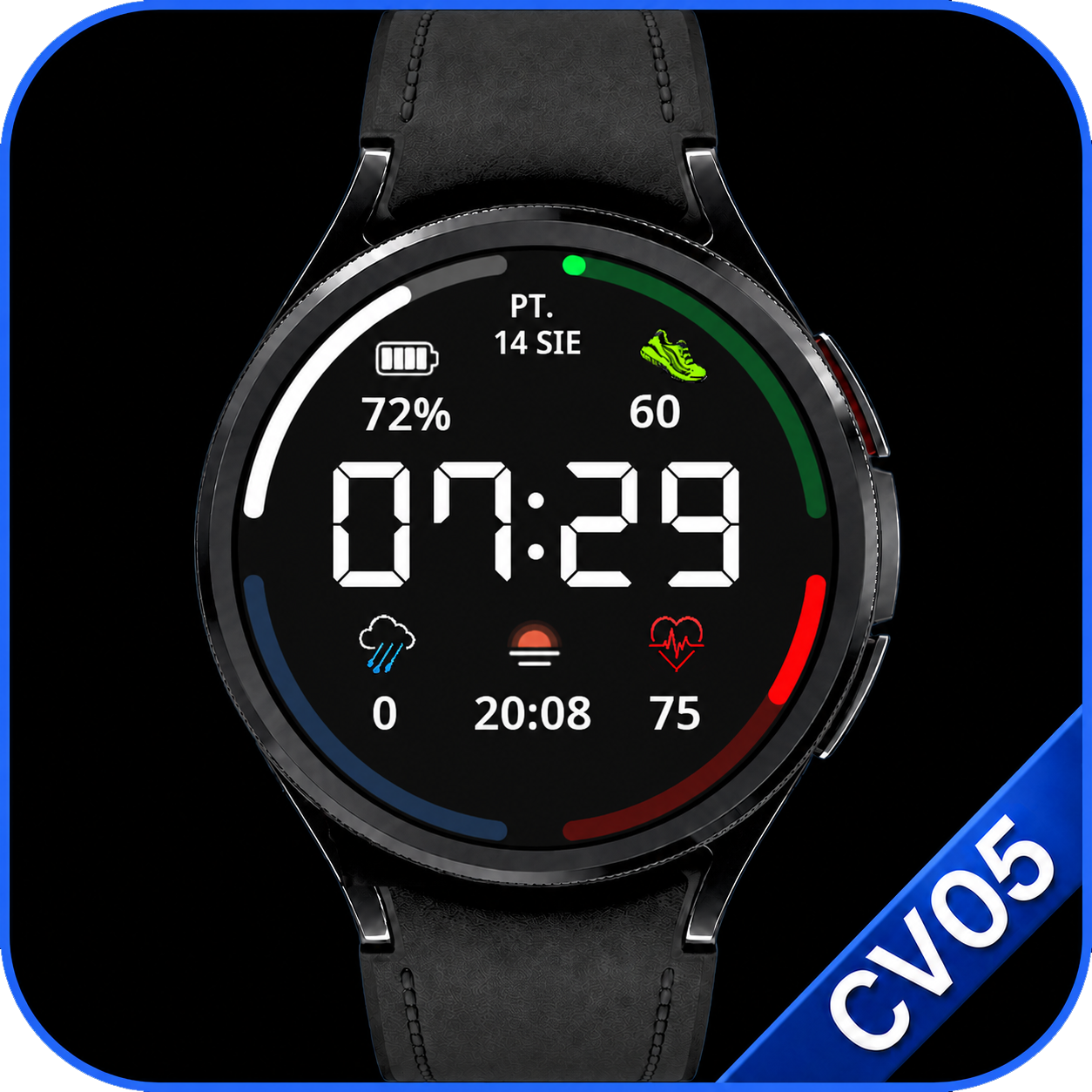
An edge-driven digital layout with a large clock, four progress bars and one complication you can personalize.
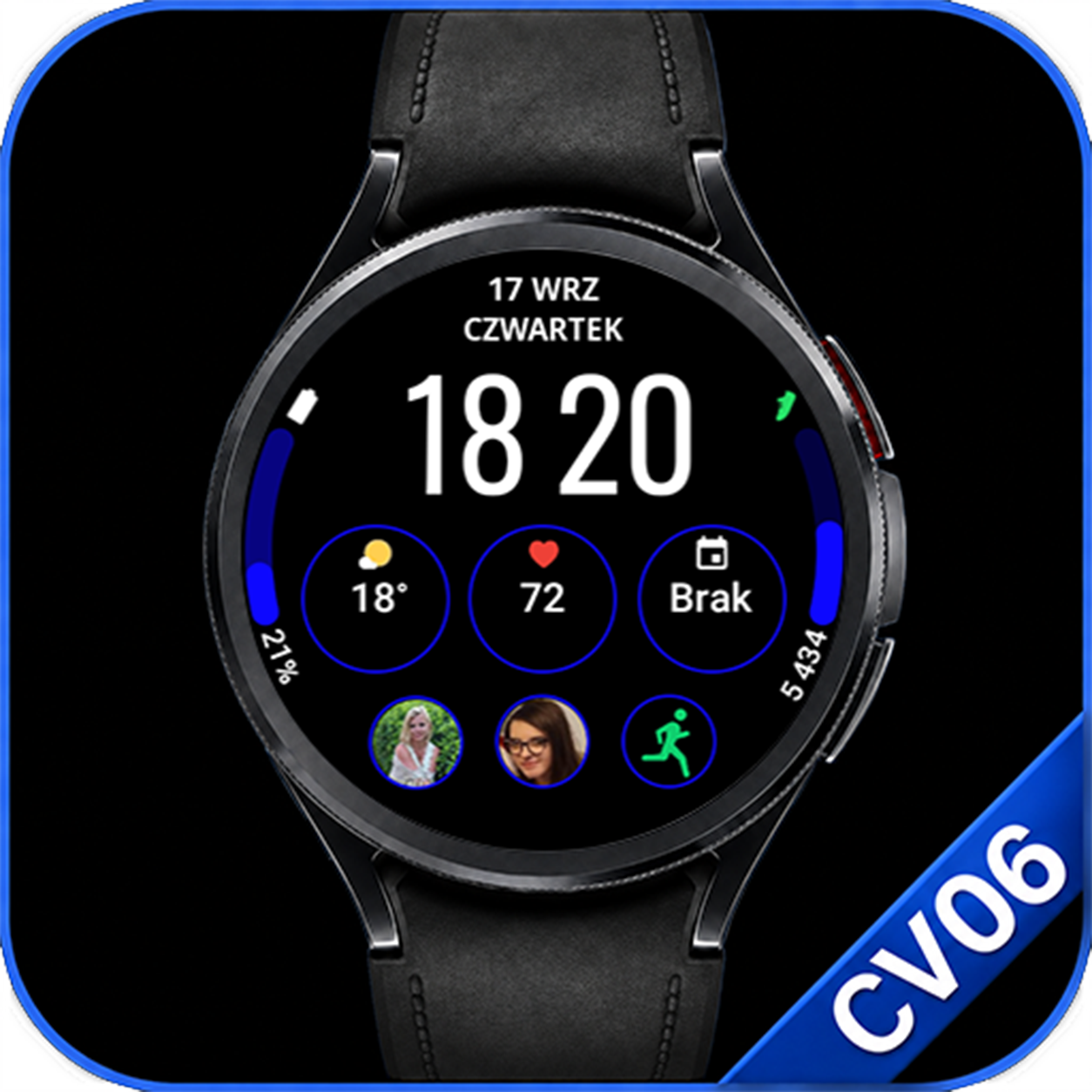
Large time, 6 editable complications and 2 editable progress bars in a clear Side layout.
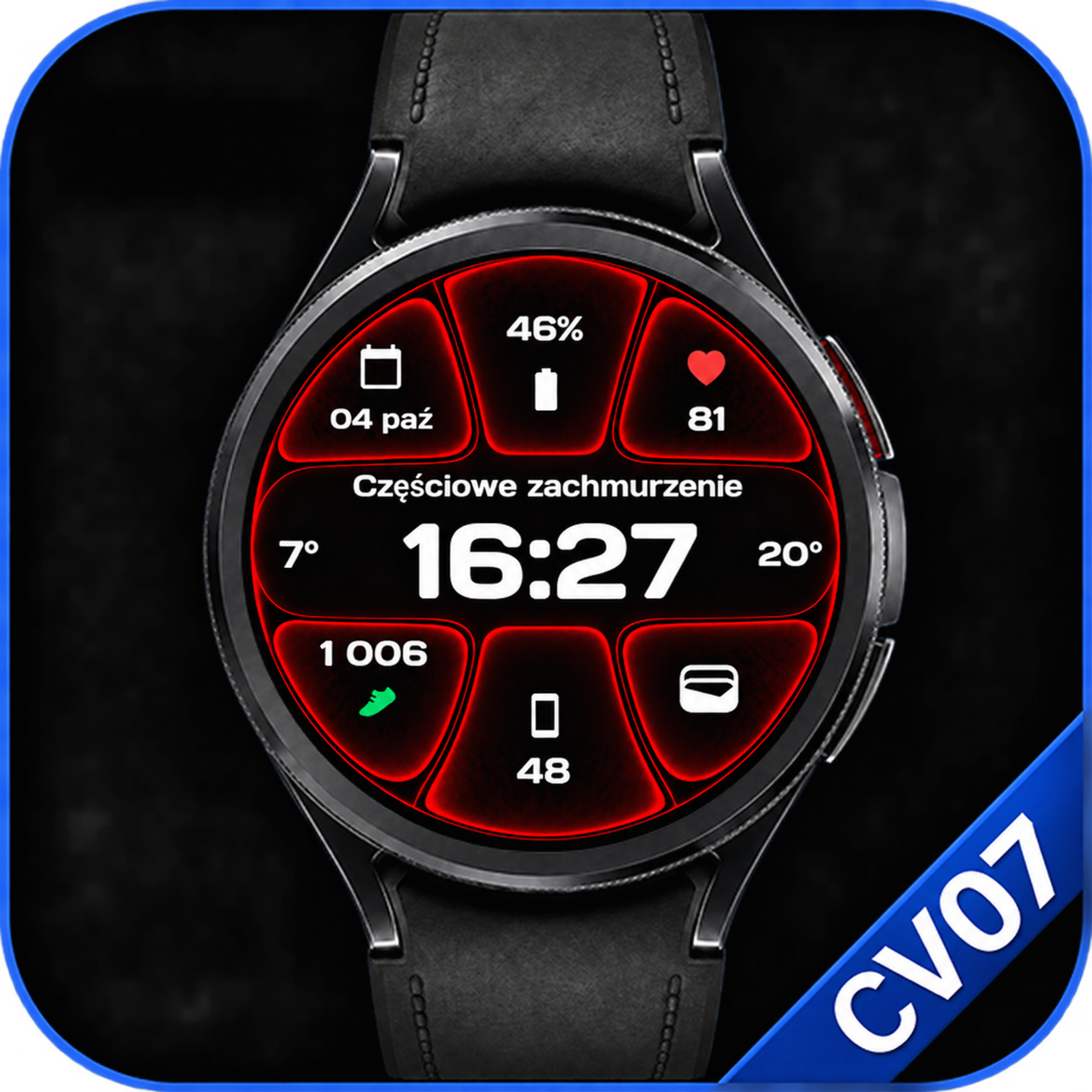
A modern watch face with large digital time, glowing outlines and an easy-to-read layout. Make it yours with customizable colors and editable complications.
Why Clear Vision
Every layout is built to reduce visual noise and make everyday information easier to find.
Large typography and deliberate spacing make the time quick and comfortable to read.
Clear separation between the background and essential information improves legibility.
Weather, battery, health and activity data stay accessible without cluttering the layout.
Designed for compatible Wear OS smartwatches with a clear and efficient Always-On Display.
More complication options
Phone Battery Complication by amoledwatchfaces is required for selected additional complication features across the Clear Vision collection. The watch face itself works without this app, but data sources that depend on it will not be available.
Available data depends on the watch face and the selected slot type. Not every complication works in every slot.
Watch face gallery
Open the full gallery to compare layouts, color themes, complications and Always-On Display views for CV01–CV07.
Open full galleryGrowing collection
Clear Vision keeps growing with new high-contrast designs built around the same principles of readability and simplicity.
Available now on Google Play
Explore →Available now on Google Play
Explore →Available now on Google Play
Explore →Available now on Google Play
Explore →Available now on Google Play
Explore →Coming soon on Google Play
Explore →Coming soon on Google Play
Explore →Additional Wear OS watch faces will follow.
Getting started
Step-by-step instructions for installing and configuring Clear Vision watch faces on a Wear OS smartwatch.
Open installation guide →Phone Battery Complication →Help and answers
Find answers about compatibility, complications, customization, installation and updates.
Open FAQ →